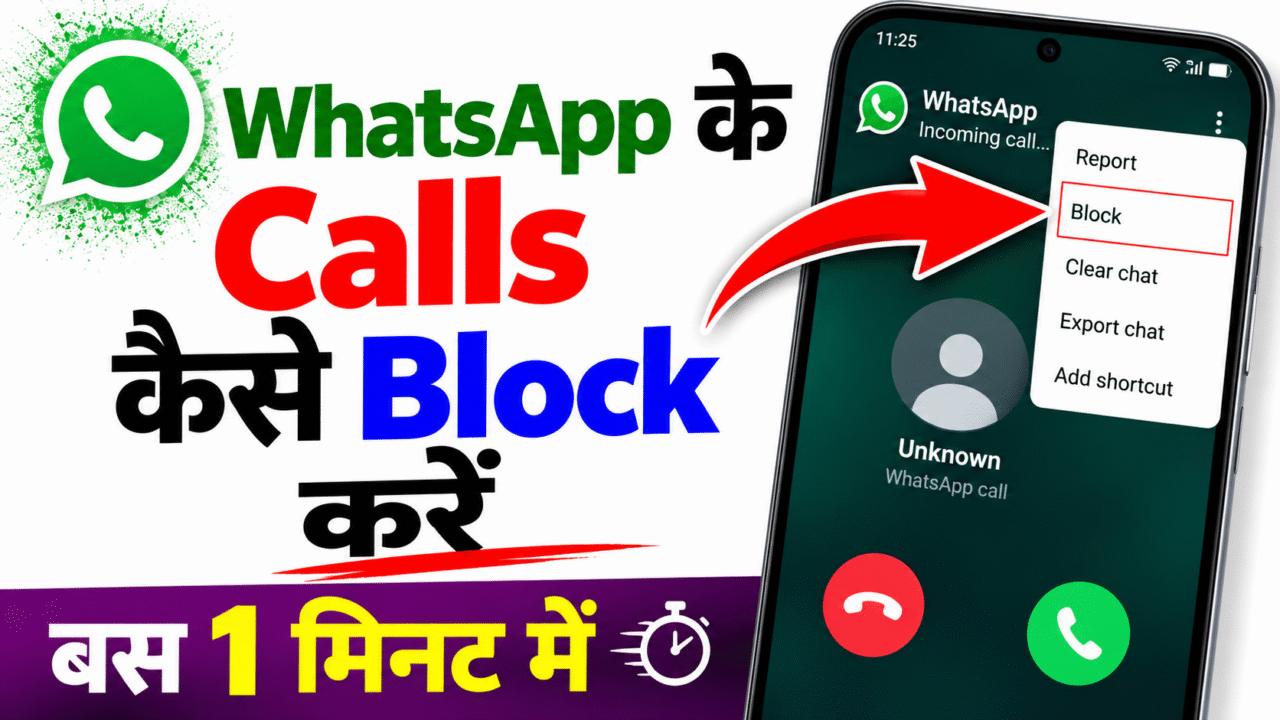
WhatsApp के Calls कैसे Block करें ? | How to Block WhatsApp Calls ?
Unwanted calls can be frustrating, but WhatsApp calls and normal mobile calls are controlled by different systems. WhatsApp provides its own privacy and blocking controls, while Android, iPhone, and mobile carriers provide separate tools for regular incoming phone calls. Understanding that difference makes it much easier to choose the right blocking option without expecting one setting to control every type of call.
WhatsApp calling works through the WhatsApp app rather than through the normal cellular voice system. Because of that, a number blocked in the phone’s regular Phone app is not automatically blocked inside WhatsApp. In the same way, changing a WhatsApp privacy setting does not automatically block ordinary SIM-based calls. If the goal is to reduce unwanted communication, the first step is to identify whether the call is coming through WhatsApp, the regular Phone app, or another calling service.
Silencing unknown WhatsApp callers is one of the most useful built-in privacy options for people who receive calls from numbers they do not recognize. WhatsApp says that an unknown caller can be someone you have not contacted before, someone you have not saved as a contact, or a suspicious number. When unknown callers are silenced, the phone does not ring for those calls, but the calls can still remain visible in the Calls tab and notifications.
WhatsApp also lets users block a specific person or phone number. This is more targeted than silencing unknown callers. If a particular WhatsApp account repeatedly contacts you and you no longer want to receive communication from that account, the block option can be used. WhatsApp also provides reporting controls for situations involving spam, suspicious behavior, or unwanted communication. Blocking and reporting should be considered separate actions: blocking focuses on preventing communication from that account, while reporting can provide information to WhatsApp about potentially problematic activity.
There is an important limitation with websites and HTML tools. A normal webpage cannot obtain permission to change WhatsApp’s private call settings simply because a user types a phone number into a form. A webpage can provide a helpful interface, explain the correct steps, display a demonstration, or take the user toward the appropriate settings, but actual WhatsApp privacy changes have to be performed through WhatsApp or an officially supported integration. This is why a professional call-blocking webpage should clearly distinguish between an interface demonstration and a real system-level blocking action.
Regular mobile calls are handled separately from WhatsApp. On Android, the exact menu can vary by device manufacturer, Android version, carrier, and Phone app. On phones using Google’s Phone app, users can generally manage blocked numbers from the Phone application and can block or report a number from the call history. The Phone app can also provide spam-related protection on supported devices.
- Open the Phone app.
- Open Recent calls or the relevant call history.
- Select the unwanted number or open its information/details.
- Choose the available Block or Block/report spam option.
- Review the blocked-number settings if you want to manage or remove a block later.
Blocking a specific normal phone number is useful when the same caller repeatedly contacts you. Some Android phones also provide controls for unknown or private callers, while others rely more heavily on spam detection. Spam filtering can be different from a direct block: a phone may identify a call as suspicious and warn you before you answer, while a manually blocked number is treated according to the device’s blocking rules.
iPhone provides several options for managing incoming calls. You can block a particular contact or number, and current iPhone software can also screen, silence, or filter calls from unknown numbers. Apple explains that call screening can ask an unknown caller for more information before the phone rings, while the silence option can send unknown calls to voicemail and keep them in the relevant call history.
Apple also supports caller identification through supported carrier services, Apple Business Connect, and compatible caller-identification applications. These features can help you decide whether a call is worth answering without requiring you to manually investigate every unknown number.
On iPhone, it is useful to distinguish between screening, silencing, filtering, and blocking. Screening can ask an unknown caller for information before deciding whether to answer. Silencing prevents the phone from ringing and can send the call to voicemail. Filtering can organize unknown or spam calls separately. Blocking is a more direct control for a particular contact or number. These options are designed for different situations, so choosing the least restrictive option that solves the problem can help you avoid missing an important call.
When people say “block incoming calls”, they may mean several different things. They might want to block every call from a particular number, silence calls from unknown callers, reduce spam calls, or stop calls from a specific app. These are not identical tasks.
- Specific caller: block the individual number or contact.
- Unknown WhatsApp caller: use WhatsApp’s Silence unknown callers feature.
- Unknown mobile caller: use the phone’s available unknown-caller or spam controls.
- Spam caller: use built-in spam identification or supported carrier filtering where available.
- WhatsApp account: use WhatsApp’s own block and report controls.
Caller-identification software can add another layer of information. Some devices already include caller ID and spam detection, while third-party applications can offer additional identification features. Before using any third-party caller application, review its permissions, privacy policy, and the type of call-related information it requires. A caller-identification tool is not automatically the same thing as a blocking tool, and users should not assume that installing an application gives it unlimited control over WhatsApp or the phone system.
WhatsApp also recommends broader privacy and security practices. Its privacy settings can control who can contact you and what information other people can see. WhatsApp provides tools such as two-step verification and encourages users to be cautious about suspicious behavior, unexpected requests for money or personal information, and messages from unknown numbers. Keeping WhatsApp and the operating system updated is also important because privacy and security controls can change over time.
Another useful feature to understand is call history. Silenced WhatsApp calls are not necessarily erased. WhatsApp states that silenced unknown calls can still appear in the Calls tab and in notifications, allowing you to review the caller later. This is helpful when you are expecting a legitimate call from a new number and do not want to permanently block everyone you do not recognize.
Blocking also does not mean that a person has been removed from every communication service. A number blocked in the normal Phone app may still be able to contact you through an internet-based application if that application has separate blocking controls. Likewise, blocking a WhatsApp account does not automatically block the same number at the cellular network level. Separate communication channels have separate controls.
If your main problem is unwanted WhatsApp calls, start with WhatsApp’s privacy controls. If your problem is repeated normal mobile calls, use the Phone app’s blocking and spam controls. If you use an iPhone, check the current Phone settings for unknown-call screening, silence, spam filtering, and blocked contacts. If you use Android, check the Phone app for blocked numbers and spam protection.
For people who receive frequent unknown calls, a combination of features can be more practical than trying to block every number manually. WhatsApp’s Silence unknown callers option can reduce interruptions from unfamiliar WhatsApp numbers, while the phone’s own spam and unknown-caller tools can handle ordinary mobile calls. This layered approach keeps the controls inside the applications and operating system that actually manage the calls.
It is also worth remembering that not every unknown call is automatically spam. A school, delivery service, business, friend using a new number, or other legitimate caller may appear as unknown. Silencing or screening can therefore be a better choice than aggressively blocking every unidentified caller. If you are expecting an important call, check the relevant call history or filtered list regularly.
The most reliable rule is simple: use WhatsApp settings for WhatsApp calls, use the Phone app for normal cellular calls, and use supported carrier or caller-identification features when additional spam protection is needed. Do not rely on a generic webpage to claim that it can directly change private WhatsApp settings without official authorization. A good call-blocking guide should explain the difference clearly so users know exactly which setting they are changing and what result they should expect.
If a call still appears after you change a blocking or silencing setting, first identify where the call originated. A WhatsApp call should be checked inside WhatsApp, while a normal cellular call should be checked in the Phone app. Restarting the app, updating it, and reviewing the relevant privacy or blocked-number settings can help when a setting does not appear to behave as expected.
- Check that you changed the setting in the correct application.
- Make sure WhatsApp or the phone operating system is updated.
- Review the blocked-number list if a specific caller was previously blocked.
- Check the Calls tab or filtered call history when using a silence or screening feature.
- Remember that a block in one app does not automatically apply to another app.
There can also be differences between what a user sees and what actually happens to an incoming call. A silenced call may still be recorded, a screened call may be handled before the phone rings, and a blocked number may be declined automatically. These differences matter when testing a call-control feature. If the objective is simply to stop the phone from ringing for unfamiliar WhatsApp callers, silencing may be sufficient. If the objective is to prevent a known account from contacting you through WhatsApp, the account-level block is the more appropriate control.
Call controls work best when combined with sensible privacy habits. Avoid sharing personal information with unknown callers, and do not follow unexpected instructions asking you to reveal verification codes, passwords, payment information, or other sensitive details. If an unfamiliar WhatsApp account sends suspicious messages along with calls, consider using WhatsApp’s block and report features rather than repeatedly answering the calls.
- Keep your WhatsApp account protected with available security settings.
- Never share a WhatsApp verification code with another person.
- Review privacy settings after major app updates.
- Use report controls when communication appears to be spam or abuse.
- Check the identity of an important unknown caller through a trusted method before responding.
Another common question is whether all WhatsApp calls can be blocked with one universal switch. WhatsApp’s available privacy controls are designed around specific use cases, such as silencing unknown callers or blocking individual accounts. The available controls should not be confused with a universal “turn off every WhatsApp call” switch that a third-party webpage can activate remotely. If a user needs to stop interruptions completely, the practical solution depends on the device and the type of communication involved, and may require a combination of WhatsApp controls and device-level notification or call settings.
The best setting depends on what you are trying to achieve. Someone who receives occasional calls from unfamiliar WhatsApp numbers may prefer silence rather than a permanent block. Someone receiving repeated calls from one known account may prefer to block that account. A person receiving ordinary spam calls on a mobile number may benefit from the Phone app’s spam protection or a direct number block. Choosing the right level of filtering helps reduce unwanted interruptions while keeping legitimate communication available.
For families and shared devices, it is especially useful to explain that call blocking is usually local to the account, application, or device where the setting is enabled. Changing a setting on one phone does not necessarily change another family member’s phone. Similarly, changing a WhatsApp setting affects the WhatsApp account and app experience, not the cellular network settings of every device using the same phone number in another context.
Businesses and content creators should also be careful when publishing call-blocking tools online. A webpage can be designed as an educational guide or a user interface, but it should not collect unnecessary phone numbers or imply that it has access to private WhatsApp controls when it does not. If a form asks for a number purely for demonstration, the page should explain what the information is used for and avoid requesting someone else’s number. For real account changes, users should be directed to the official application or a genuinely supported integration.
Finally, software versions matter. WhatsApp, Android, iOS, and Phone applications are updated regularly, and a menu that appears on one device may have a different name or location on another. When an option cannot be found, searching the official help center for the exact application and device version is safer than following an old screenshot or an unofficial tool that promises to make the change automatically. This also reduces the risk of giving a webpage unnecessary permissions or entering a phone number into a service that does not need it.
WhatsApp Help Center — Silence unknown callers
WhatsApp Help Center — Privacy settings
Apple Support — Screen and block calls on iPhone
Apple Support — Block phone numbers and contacts
WhatsApp Call Blocker
Choose how you want incoming calls to be handled.
 Help
Help