Gmail ID Recover Kaise Karein (Step by Step Guide 2025)
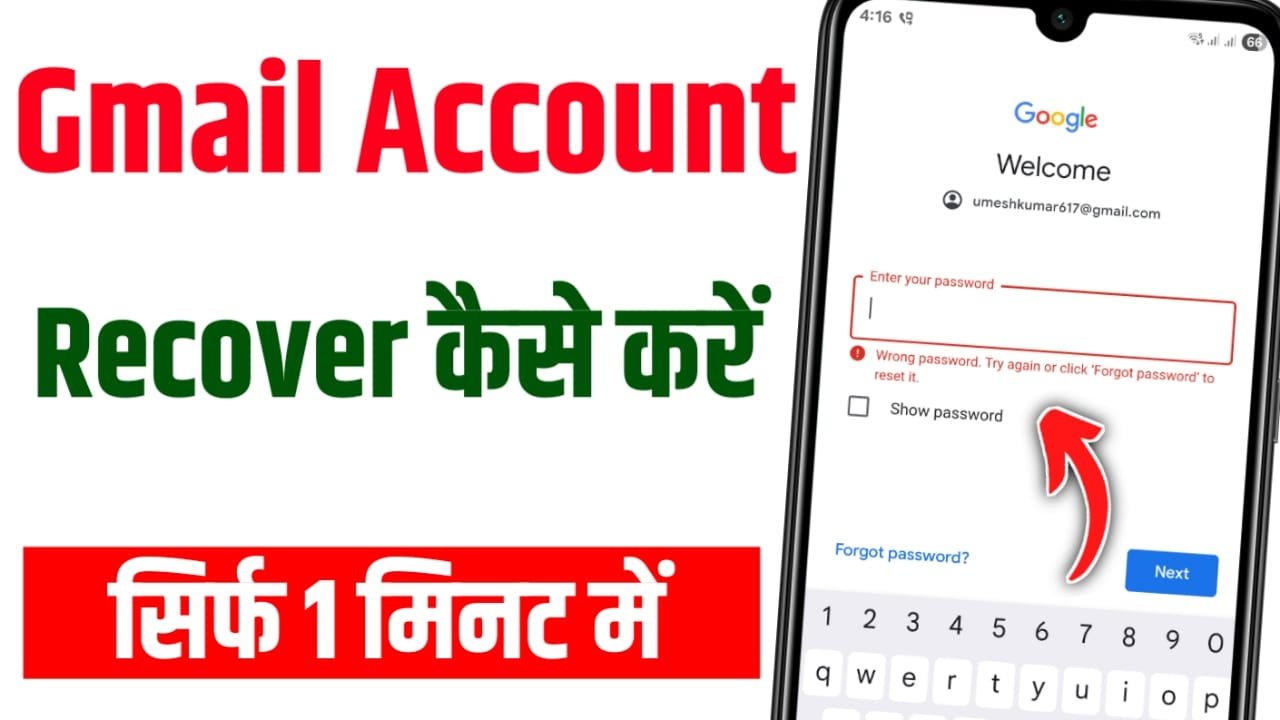
Complete Guide: How to Recover Gmail ID (2025)
Forgetting a Gmail ID or losing access to it can feel stressful, but the good news is that Google has provided multiple methods to help users recover their accounts. Whether you have forgotten your password, lost your recovery phone number, or no longer have access to your recovery email, there are still ways to get your Gmail ID back.
Below is a step-by-step guide that explains all possible recovery situations.
🔹 1. When Recovery Mobile Number is Not Active
If the recovery phone number linked to your Gmail account is no longer active:
- Open the Gmail recovery page and enter your Gmail ID.
- You’ll see the option to send an OTP to the registered number. Since the number is not working, click on “Try another way.”
- Google will then show you other options, such as recovery email or security questions.
- If these are also unavailable, continue with the “Try another way” option. Google will move toward manual verification.
🔹 2. When Recovery Email is Inaccessible
If you no longer have access to your recovery email:
- On the recovery page, after choosing the option to send a code, you can select “Didn’t get the code?”
- At this point, Google may ask security questions, such as:
- When was the account created?
- Do you remember an old password?
- Which device was used earlier?
- Providing accurate answers increases the chances of Google accepting your request and restoring your account.
🔹 3. When SIM Card is Lost
If you have lost the SIM card linked to your Gmail account:
- Visit your mobile network provider (like Jio, Airtel, or Vodafone Idea) and request a duplicate SIM card.
- Once you get the duplicate SIM, try the Gmail recovery process again.
👉 This method is often the fastest, as Google recognizes the SIM card as proof of identity.
🔹 4. When No Recovery Option Works
If you don’t have the recovery phone number, recovery email, or SIM card:
- Keep selecting “Try another way.”
- Eventually, Google will prompt you with a message like: “We will get back to you.” This means your request has been submitted for manual review.
- Google will then verify your account details, such as:
- Old passwords you used
- Devices you logged in from
- Location of access
- Approximate account creation date
- If the information matches, Google will send you a recovery link within a few days.
- This process can take anywhere from 3 to 7 days.
🔹 5. How to Keep Your Gmail Account Safe in the Future
To avoid facing the same problem again, make sure you:
- Keep your recovery phone number updated.
- Always add a working recovery email.
- Use a password manager to save your password securely.
- Check your recovery details every few months.
- Enable Two-Step Verification (2FA) for extra security.
How to Recover Gmail Account – Complete Guide (2025)
In today’s digital era, a Gmail account is one of the most important assets for every individual. Whether it is for online shopping, YouTube access, banking services, or office work – everything is connected with Gmail. But sometimes, users face the situation where they completely forget their Gmail password, lose access to their recovery email or phone number, or even misplace their SIM card. In such cases, there is no need to panic because Google provides multiple recovery methods.
The very first step is to visit the official Google Account Recovery page. Enter your Gmail address there and click on the “Forgot Password” option. Google will initially try to send an OTP (One-Time Password) to your registered recovery mobile number. If you still have access to that number, simply enter the OTP and reset your password instantly.
If your recovery number is not active, you can choose “Try another way.” At this point, Google may offer to send a verification link to your recovery email address. If even the recovery email is inaccessible, then Google will ask some security questions such as: Which password did you use previously? When did you create the account? Which device did you usually log in from? Answering these correctly helps prove that the account belongs to you.
In cases where the SIM card is lost and you cannot receive OTPs, the easiest solution is to get a duplicate SIM card from your telecom provider. All major operators such as Jio, Airtel, and Vodafone Idea allow you to reissue a SIM card. Once you receive your new SIM, you can repeat the Gmail recovery process and regain access to your account.
If you don’t have a recovery number, recovery email, or even the SIM card, Google still provides another option. By repeatedly selecting “Try another way,” you are taken to a manual verification process. In this step, Google will ask details like the approximate date when you created the account, the last password you remember, the locations where you logged in, or the devices you have used. If you provide correct information, Google will review your request. Within a few days (usually 3 to 7), you may receive a recovery link or OTP, allowing you to successfully regain access to your Gmail account.
To avoid facing such issues again in the future, it is important to take some preventive steps. Always keep your recovery phone number and recovery email updated. Use a password manager to store your login credentials safely. Check your recovery options once every few months to ensure they are still active. Most importantly, enable Two-Step Verification on your Gmail account, which makes it much more secure.
Recovering a Gmail account requires patience, but if you carefully follow each step, you will be able to get your account back. Whether you have lost your number, misplaced your SIM card, or cannot access your recovery email, Google ensures there is always a way to regain control of your account.
👉 Final Thoughts
Recovering a Gmail ID may look difficult, but it’s definitely possible. Whether you’ve lost your recovery number, misplaced your SIM card, or can’t access your recovery email – Google always provides a way to prove your identity. The key is to stay patient, provide as much correct information as possible, and follow the recovery process carefully.
 Help
Help
Thanku sharing useful information